
Introduction
Tutorials
Getting familiar with GeoData Manager
Changing how GeoData Manager looks
Scenarios for using GeoData Manager
Data types and nodes
Help with data types and nodes
Getting familiar with GeoData Manager
Changing how GeoData Manager looks
Scenarios for using GeoData Manager
Help with data types and nodes
When you buy a GeoData Manager licence, you will receive a registration name and key, which you must enter in order to use GeoData Manager. You don't need a key during the 30 day evaluation period.
Entering the name and key:
Start GeoData Manager. Click Help, then click About GeoData Manager ..., then click Registration.
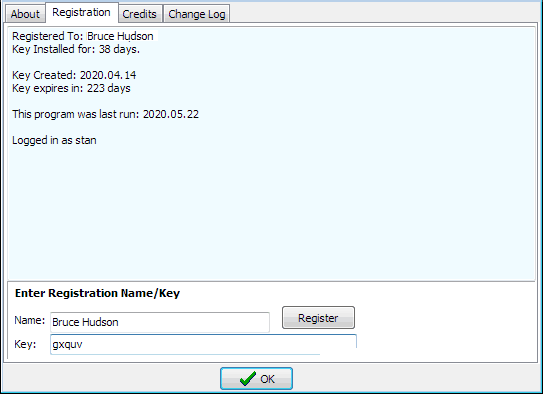
Type or paste your registration name into Name
Type or paste your registration key code into Key.
Click Register, then click OK.
GeoData Manager will ask for your registration name and key:
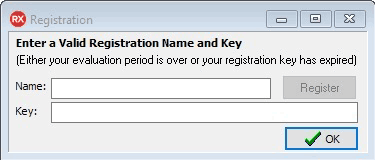
To continue using GeoData Manager:
If necessary, get a registration name and key from GeoData Manager.
Type or paste your name into Name.
Type or paste your key into Key.